 11
11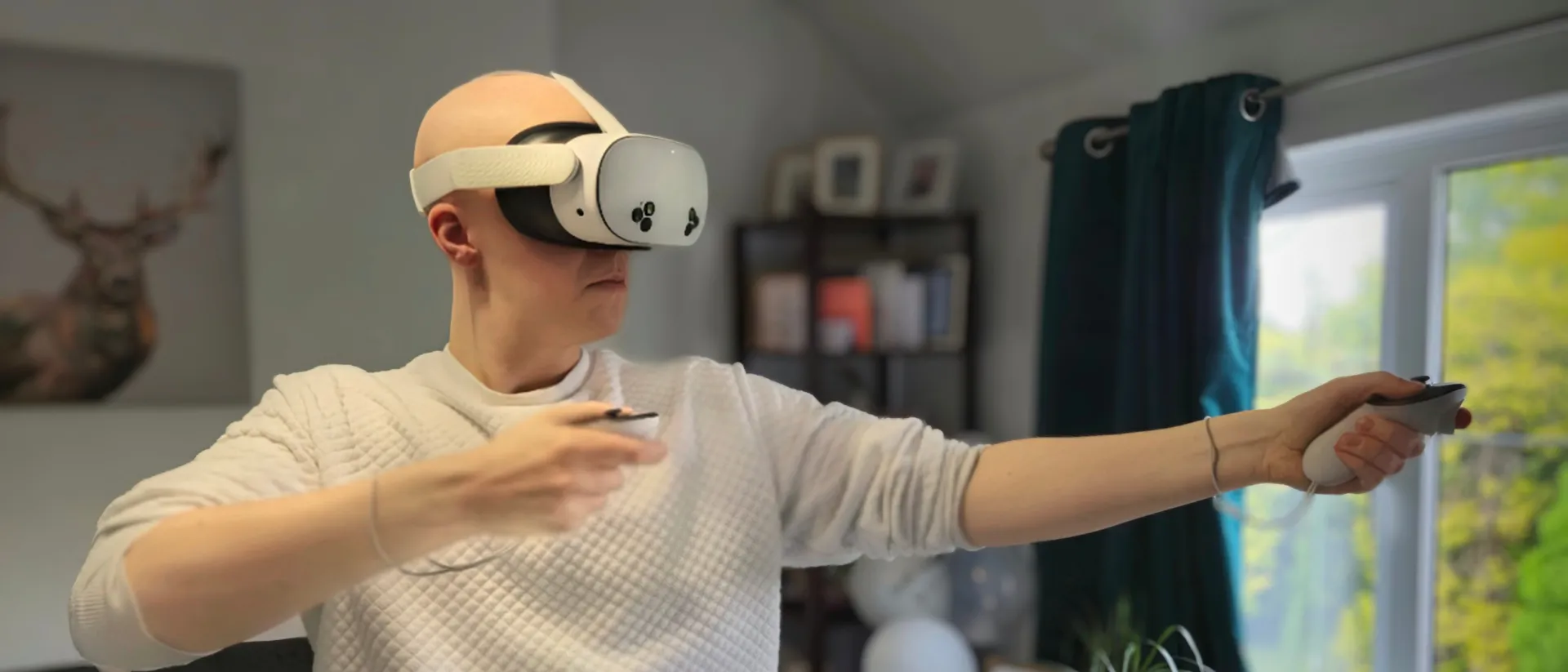
There is nothing more annoying than getting ready for a session of Beat Saber or Superhot, only to find your right hand is floating off into the distance or stuck firmly to the virtual floor.
If you’ve already swapped the batteries and tried “waiting it out” overnight to no avail, you’re probably starting to sweat the cost of a replacement. Take a breath. Before you shell out $75+ for a new controller, let’s walk through the “real” fixes that go beyond just turning it off and on again.

Sometimes the Bluetooth “handshake” between your headset and the controller gets messy. Simply rebooting the Quest won’t fix this—you have to force them to break up and get back together.
Your Quest 2 controller uses invisible Infrared (IR) lights to tell the headset where it is. If these lights are dead, tracking is dead. You can actually see these lights using a digital camera!
Open your smartphone’s camera and look at the controller’s ring through the screen. If the controller is on, you should see faint glowing dots. If you see nothing, the internal IR board might be disconnected, which usually happens after a hard drop.
This sounds crazy, but it works. The Quest 2 battery compartment is a bit loose. During fast movements, the battery can slide just enough to lose contact for a fraction of a second, causing the tracking to freeze.
Sometimes the issue isn’t the controller—it’s the headset’s memory. If your Quest is trying to remember too many different rooms, the tracking can get “confused” on one side.
Go to Settings > Physical Space > Clear Boundary History. This forces the headset to re-scan your room and often snaps a “lazy” controller back into position.
If you reach the end of this list and that right hand is still missing, it might be a hardware failure. But in 90% of cases, the Unpair/Repair or Boundary Clear does the trick. Don’t give up on your Quest 2 just yet!
Still having trouble? Let me know if you need help checking your warranty or finding a certified refurbished replacement!