 11
11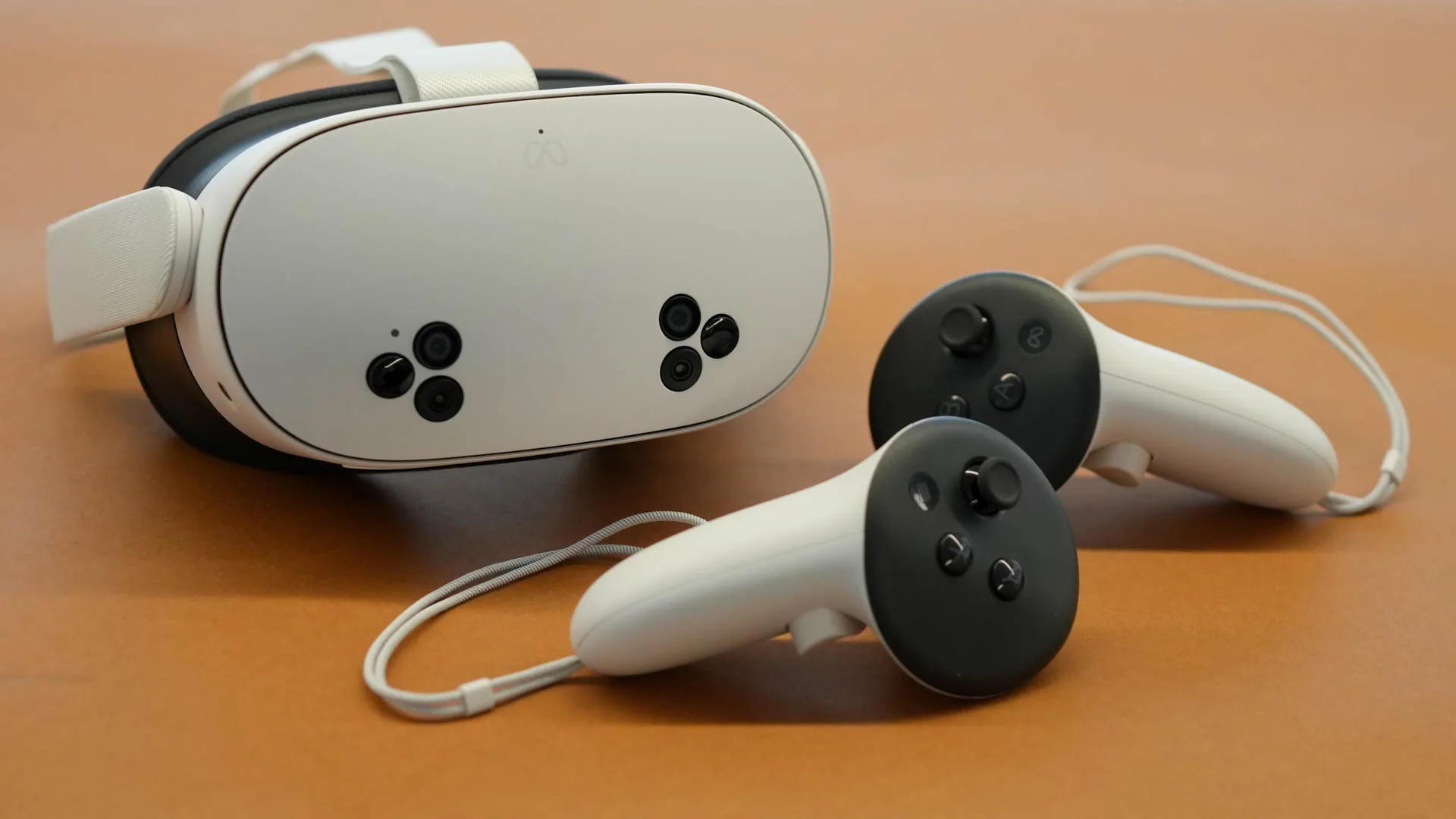
If you’ve been trying to enjoy a simple voice call on your Meta Quest headset lately, you might have encountered a bizarre and frustrating glitch. Many users report that the moment a call starts, a Horizon Worlds meeting room flashes open and immediately crashes, leaving behind a nagging notification: “You are not the owner of this room.”
The call usually continues without issue, but having a virtual environment force-load and fail every time you dial a friend is far from the “seamless” experience Meta promises. If you don’t even use Horizon Worlds, this is even more confusing. Here is exactly how to stop this behavior and get back to distraction-free calling.
The issue stems from a 2026 firmware integration that attempts to “upgrade” standard voice calls into immersive Meta Horizon World sessions. Even if you haven’t initiated an immersive meeting, the system occasionally triggers a request to create a shared space. When the permissions fail—or if you aren’t the designated “admin” of that specific auto-generated space—the room collapses instantly.
The most effective way to stop the meeting room from launching is to tell the OS you prefer standard audio over immersive environments.
Sometimes the “Not the owner” error is caused by a corrupted cache in the Horizon app itself, even if you don’t use it actively.
Meta recently updated how “Groups” and “Calls” interact. If your privacy settings are set to “Ask Every Time” for joining spaces, it can cause the room to glitch out before the prompt even appears.
If the pop-up persists, it may be a hung process in the v74/v75 firmware. Hold the power button for 30 seconds to force a hard reboot. This clears the active memory and often snaps the communication service back to its default “Voice Only” state.