 11
11
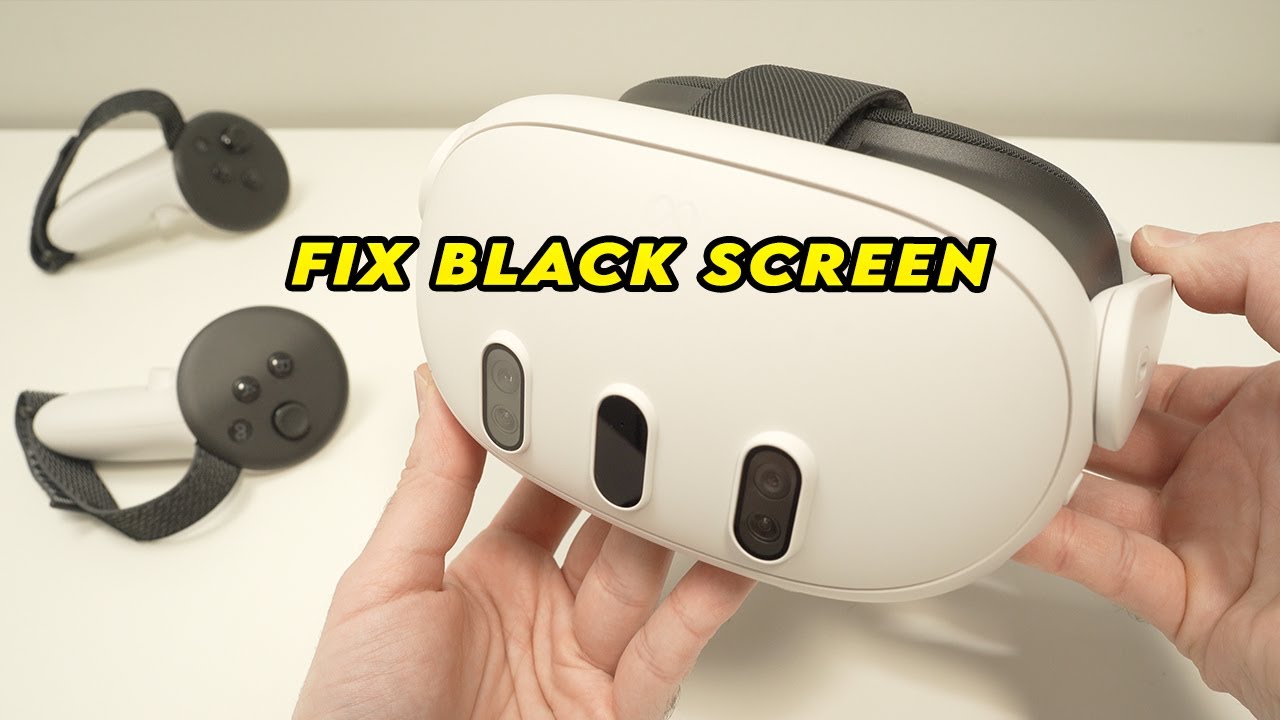
Imagine putting on your Meta Quest 3 for a quick session, only to find a black screen, a flickering logo, or a total lack of response after a recent firmware update. Unfortunately, this is becoming a common story in the VR community. Recent reports on Reddit suggest that some updates are causing “soft-bricks,” leaving users with devices that appear dead despite being out of warranty.
If Meta Support has told you your only option is to buy a refurbished unit, don’t give up yet. Here is a step-by-step guide to recovering your headset or exercising your consumer rights.
Before assuming it is a hardware failure, try these advanced recovery steps that Meta support agents might not always walk you through:
Hold the Power and Volume Down (-) buttons simultaneously for at least 30 seconds. This should force the device into the USB Update Mode menu. From here, you can select “Reboot Device” or “Factory Reset.”
If your headset is still paired to your phone, try triggering a factory reset via the Meta Horizon App. Go to Devices > Headset Settings > Advanced Settings > Factory Reset. This can sometimes bypass a “black screen” boot loop.
If the software is corrupted, you may need to manually flash the firmware using ADB (Android Debug Bridge).
Note: This requires technical knowledge and may not work if the bootloader itself is corrupted.
Many Quest 3 owners are hitting a wall because their 1-year limited warranty has expired. However, depending on where you live, you have more protection than Meta lets on.
In the UK, the Consumer Rights Act 2015 states that goods must be of satisfactory quality, fit for purpose, and durable. If a software update pushed by the manufacturer breaks a device that is only 1-2 years old, you have a strong case that the product was not durable.
In many regions, your contract is with the retailer (Amazon, Curry’s, Best Buy), not the manufacturer. If the device was “bricked” by an official update, the retailer may be legally obligated to repair or replace it, even if the manufacturer’s warranty has ended.
If standard support fails, users in the community recommend these “last resort” tactics:
Having a high-end piece of tech turned into a paperweight by a mandatory update is frustrating. If your Quest 3 is bricked, remember: Software-induced failure is rarely your fault. Be persistent, document your steps, and remind support that “out of warranty” does not mean “out of rights.”