 11
11
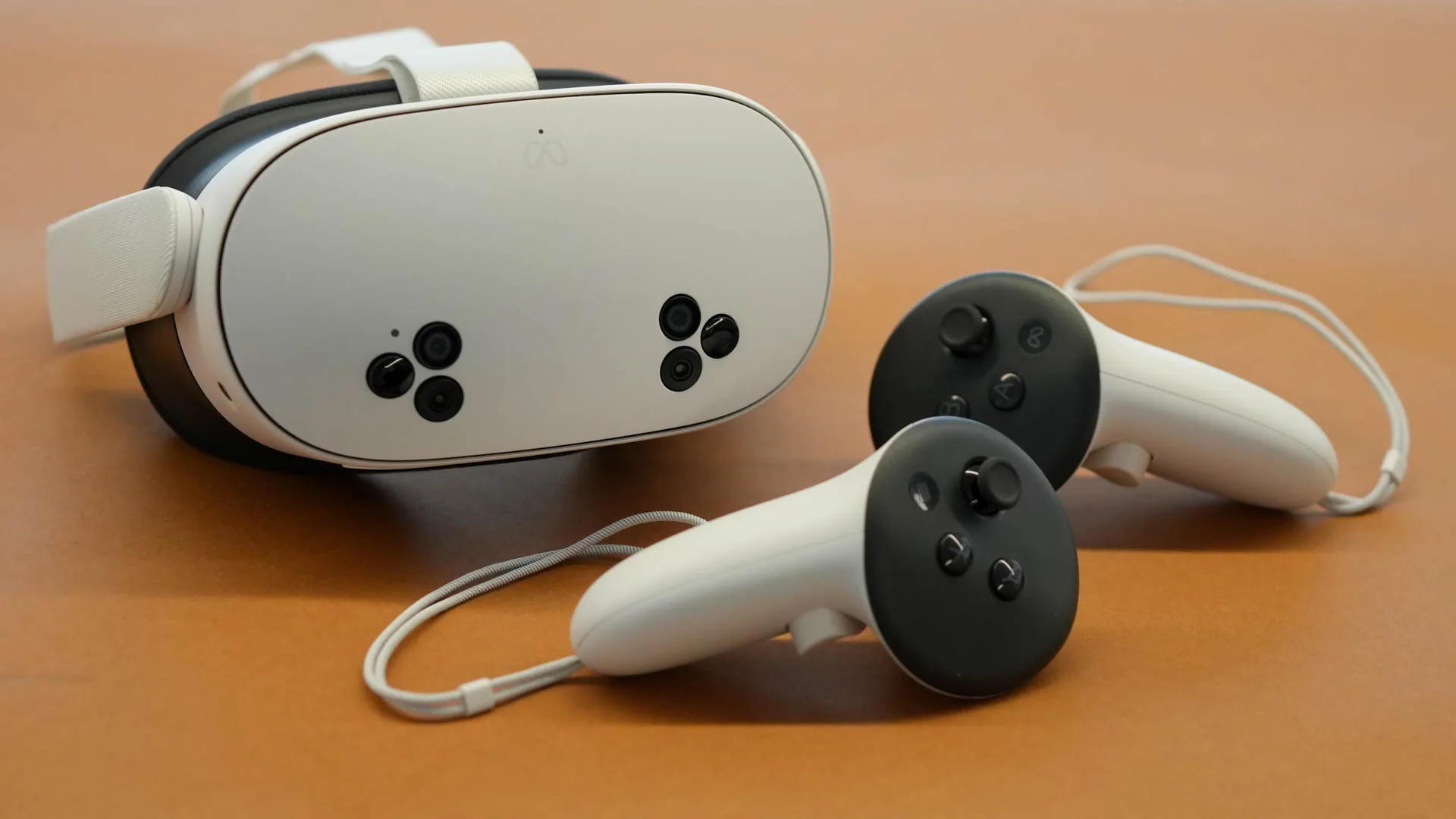
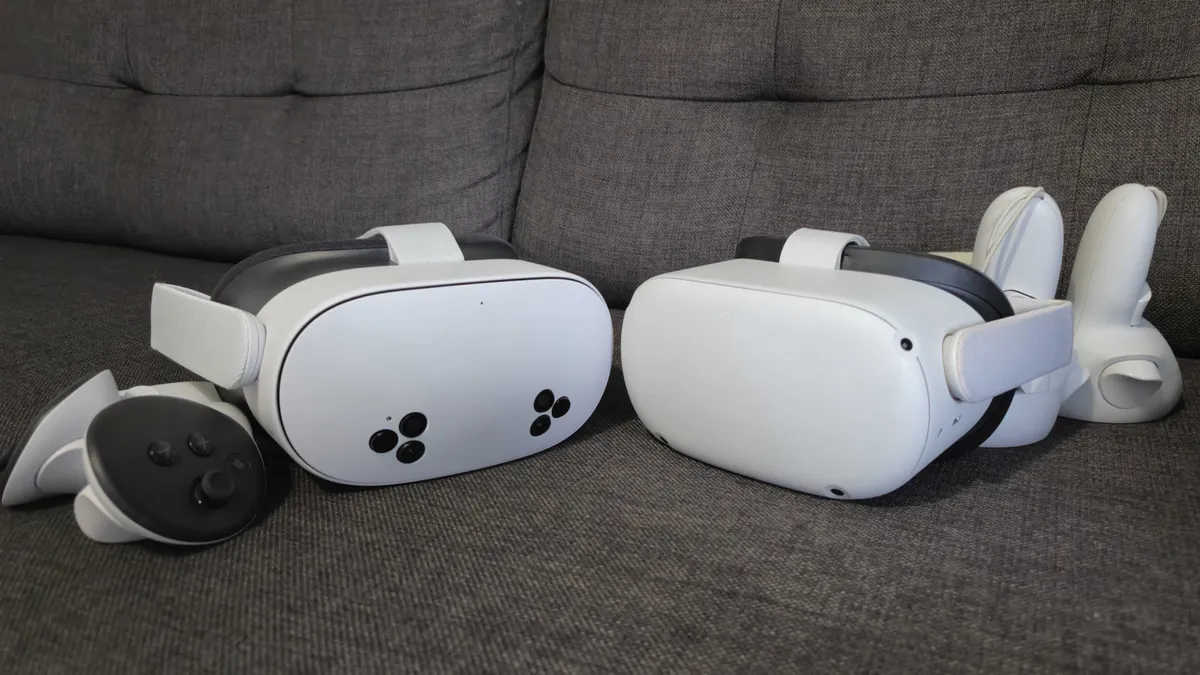
The Meta Quest 3S is an incredible tool for immersive media, but nothing breaks the “magic” like a digital blue grid appearing right in the middle of a scene. Whether you are sitting on the couch or lying in bed, here is how to turn it off.
1 Enable Developer Mode
Meta hides the “Disable Boundary” option behind developer settings. You’ll need to register as a developer at dashboard.oculus.com. Once registered, toggle Developer Mode to ON inside your Meta Quest mobile app under ‘Headset Settings’.
2 Access the Developer Tab
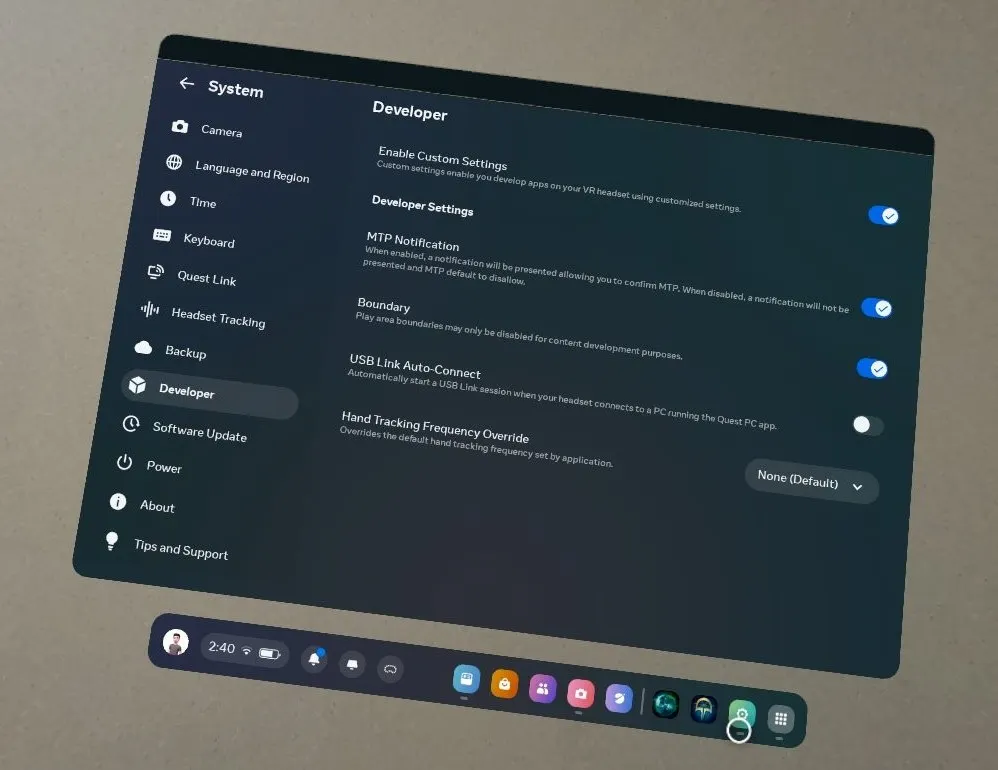
Restart your headset. Go to your Settings icon on the Quest 3S home bar. You will now see a “Developer” category in the menu list.
3 Toggle Boundary Off
Inside the Developer menu, find the setting labeled “Boundary”. Switch it to OFF. You will receive a safety prompt—select ‘Confirm’ to finalize the change.