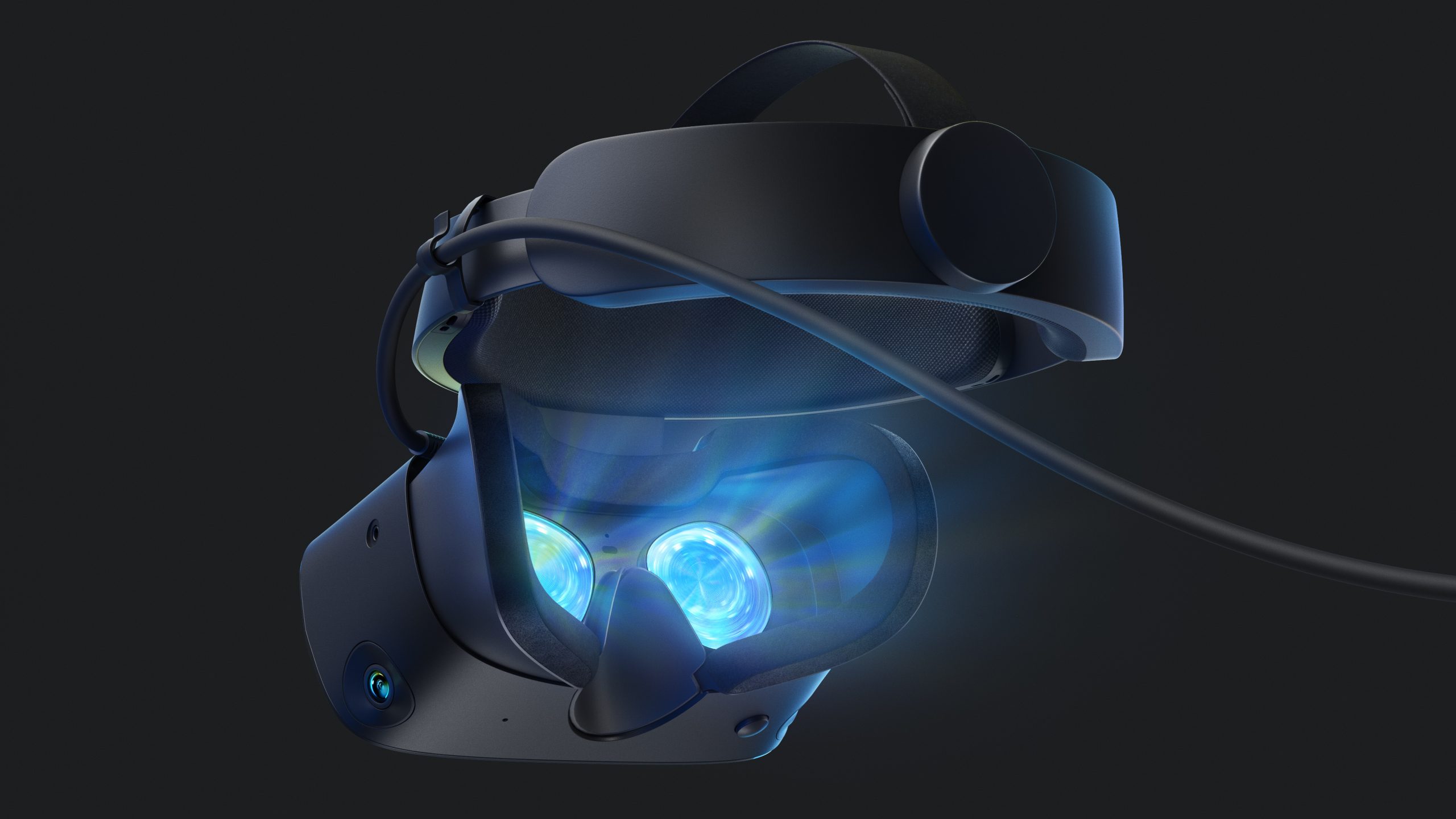
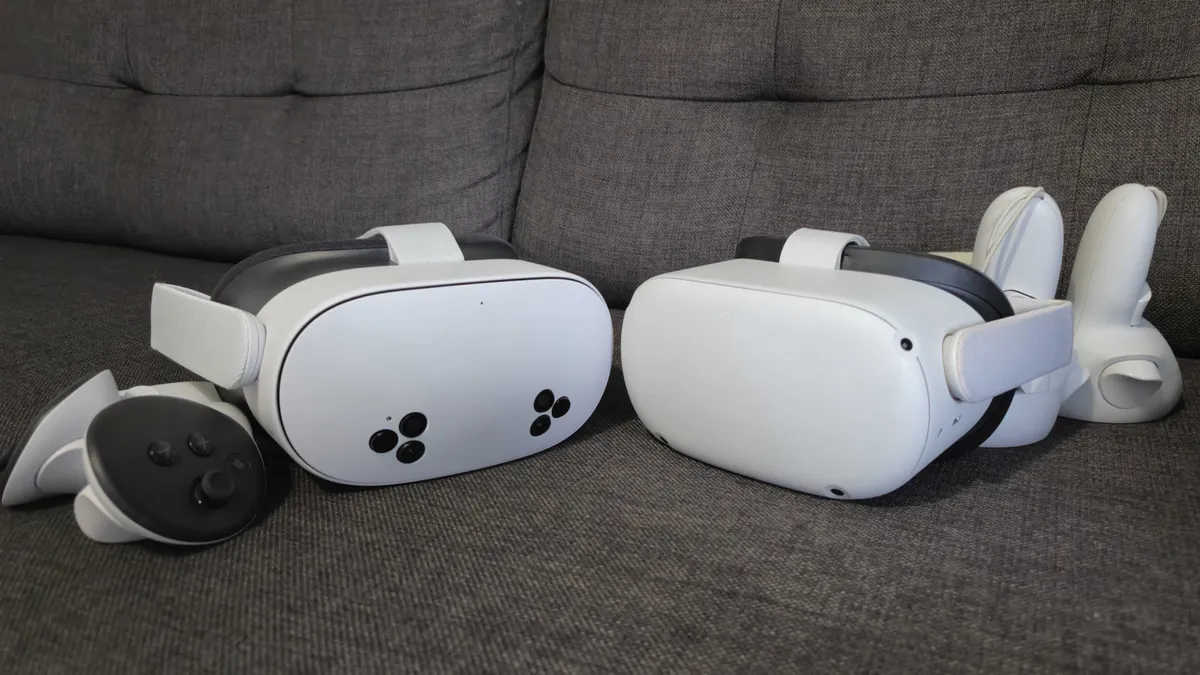
Oculus Rift S stuttering when you turn your head is one of the most frustrating VR problems — especially with a brand-new RTX 5070 on the latest NVIDIA drivers. The entire scene shifts, jitters, or stutters like bad tracking or reprojection gone wrong. You’re not alone. This exact issue exploded on Reddit, NVIDIA forums, and Oculus communities after the 50-series launch.
Good news: 95% of users fix it with one of the tweaks below. This guide uses real community-tested solutions (Oculus Debug Tool, ASW tweaks, driver rollback, NVIDIA Control Panel) optimized for Rift S + RTX 5070.
Why Your Rift S Stutters on RTX 5070 (Root Causes)
- New NVIDIA drivers (576.xx series and later) have known VR micro-stutter bugs with legacy headsets like the Rift S.
- Asynchronous Spacewarp (ASW) fighting with high GPU frame times.
- Power management, overlays, or USB power saving killing smooth 80 Hz tracking.
- Reprojection judder when FPS dips even slightly below 80 Hz.
Quick Test: If the jitter ONLY happens when you move your head (not when standing still), it’s almost always ASW + driver related — not a hardware fault.
Step 1: Quick Wins (Do These First — 30 Seconds Each)
- Set Windows Power Plan to High Performance
Search “Power Plan” → Choose “High Performance”.
- Disable NVIDIA In-Game Overlay
GeForce Experience → Settings → In-Game Overlay → OFF. (This alone fixed it for many RTX 50-series users.)
- Restart Oculus App + PC
Close everything, unplug Rift S cable for 10 seconds, replug.
Step 2: Oculus Debug Tool – The #1 Rift S Stuttering Fix
Most powerful free tool for Rift S jitter.
- Download/run OculusDebugTool.exe (located at
C:\Program Files\Oculus\Support\oculus-diagnostics\OculusDebugTool.exe — run as Administrator).
- Set these values:
- Asynchronous Spacewarp → Disabled (test first) or Forced 45fps if you drop below 80 FPS.
- Refresh Rate → 80 Hz (default for Rift S).
- Pixel Per Display Override → 1.0–1.2 (don’t go crazy or you’ll force ASW).
- Apply → Restart Oculus app → Test in any game.
Pro Tip: Many 2026 RTX 5070 users report “Disabled” ASW + stable 80+ FPS completely eliminates head-movement jitter.
Step 3: NVIDIA Control Panel Settings for RTX 5070 VR
- Right-click desktop → NVIDIA Control Panel.
- Manage 3D Settings → Global Settings:
- Power management mode → Prefer maximum performance
- Vertical Sync → Adaptive (Half Refresh Rate) or Off
- Low Latency Mode → Ultra
- Program Settings → Add
OculusVR.exe and your games → Apply same settings.
Step 4: Driver Rollback (Most Effective for Latest Drivers)
If the above doesn’t fully fix it, the newest NVIDIA driver is the culprit (common with RTX 5070 + old Rift S).
- Download Display Driver Uninstaller (DDU) from guru3d.com.
- Boot in Safe Mode → Run DDU → Clean NVIDIA drivers completely.
- Install an older stable driver (users in 2026 report 572.70 or 575.23 series work best for VR — avoid anything 576+ until NVIDIA patches).
- Reboot and test.
See latest RTX 50-series VR driver reports here
Step 5: Advanced Tweaks (Oculus Tray Tool + USB Fixes)
- Oculus Tray Tool (OTT) — Free download. Set ASW to “Off”, supersampling 1.0–1.1, disable sharpening. Huge for Rift S.
- USB Power Management: Device Manager → Universal Serial Bus controllers → Right-click every USB Root Hub → Properties → Power Management → Uncheck “Allow the computer to turn off this device”.
- Run via SteamVR: Add Oculus games to SteamVR library — many users report smoother head tracking than native Oculus runtime.
Step 6: Verify It’s Fixed
Open Oculus Debug Tool → Enable Performance Overlay. Head movement should show green FPS at 80 Hz with no orange/red spikes.
Still Jittering? Rare Fixes
- Try a different DisplayPort cable (Rift S is very picky).
- Disable Windows Game Mode & Hardware-Accelerated GPU Scheduling.
- Update Windows + latest Oculus PC app (even if support is ending, patches still drop).
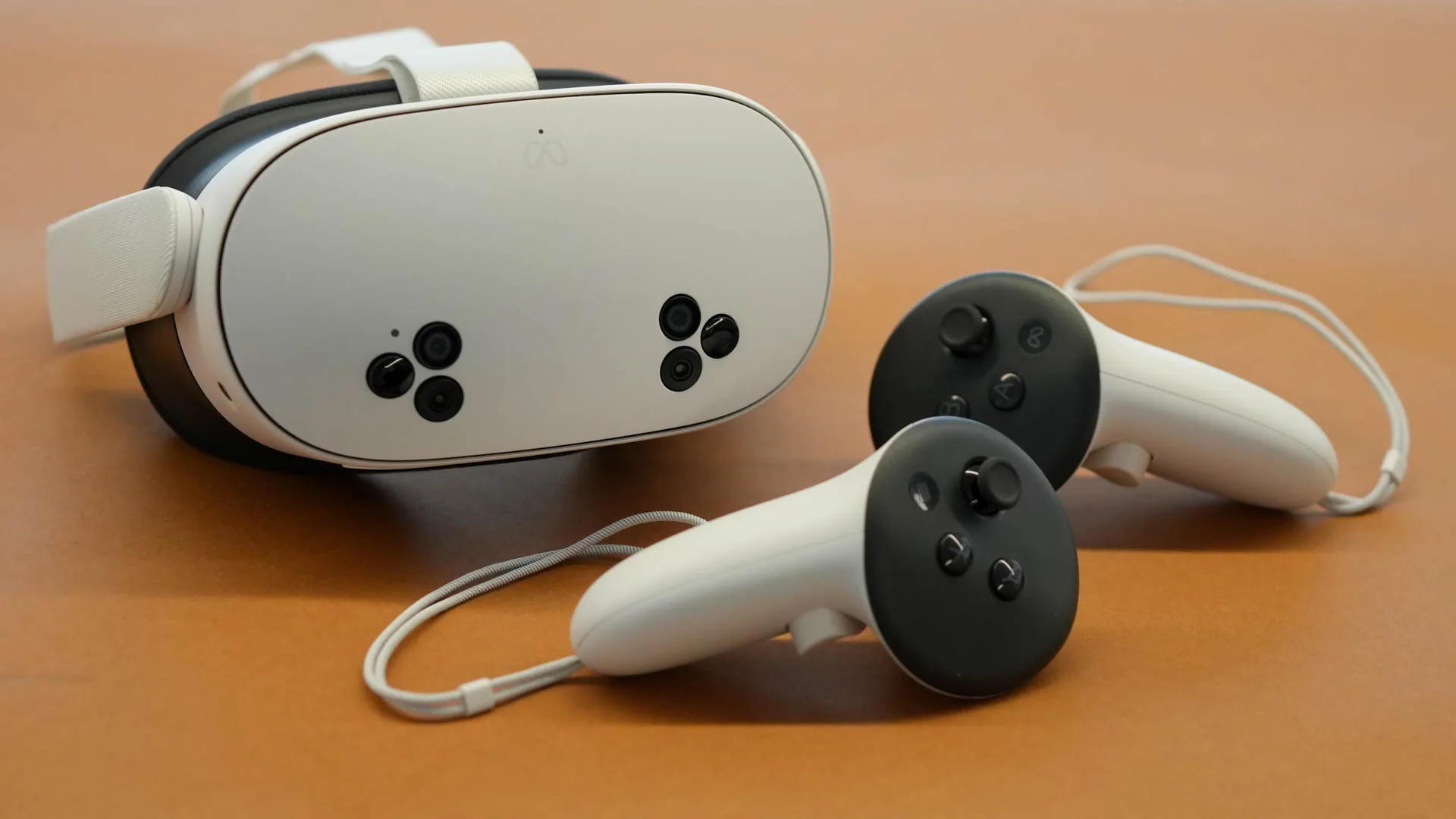
Note: The Rift S is discontinued, but these fixes keep it alive in 2026 with high-end GPUs like the RTX 5070. If nothing works, consider upgrading to Quest 3 + Link for modern compatibility.
FAQ – Oculus Rift S Stuttering Fix
- Will a driver rollback hurt my RTX 5070 gaming performance?
- No — older VR-stable drivers still deliver 95%+ of the performance in non-VR titles.
- Is ASW Disabled safe?
- Yes — if your GPU keeps 80+ FPS. Otherwise use Forced.
- Keywords people also search:
- rift s head tracking stutter, oculus rift s jitter nvidia, fix vr stuttering when turning head, rtx 5070 vr issues.

 1
1