Welcome to 2026, where the “Screen Door Effect” is a relic of the past and virtual reality has moved from a niche hobby to the primary way we consume high-fidelity media. If you’re looking to dive into the world of immersive video—from cinematic 360° experiences to the latest 8K VR180 content—the landscape has evolved.
1. The Hardware: Best Headsets for 2026
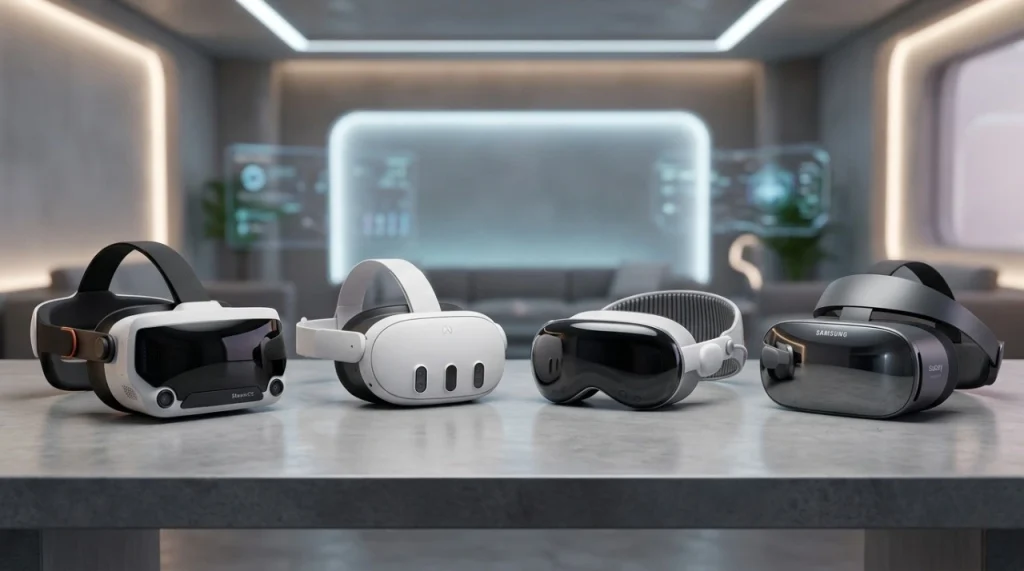
In 2026, headsets are lighter, faster, and feature “Retina-level” resolution. Here is what you should be wearing:
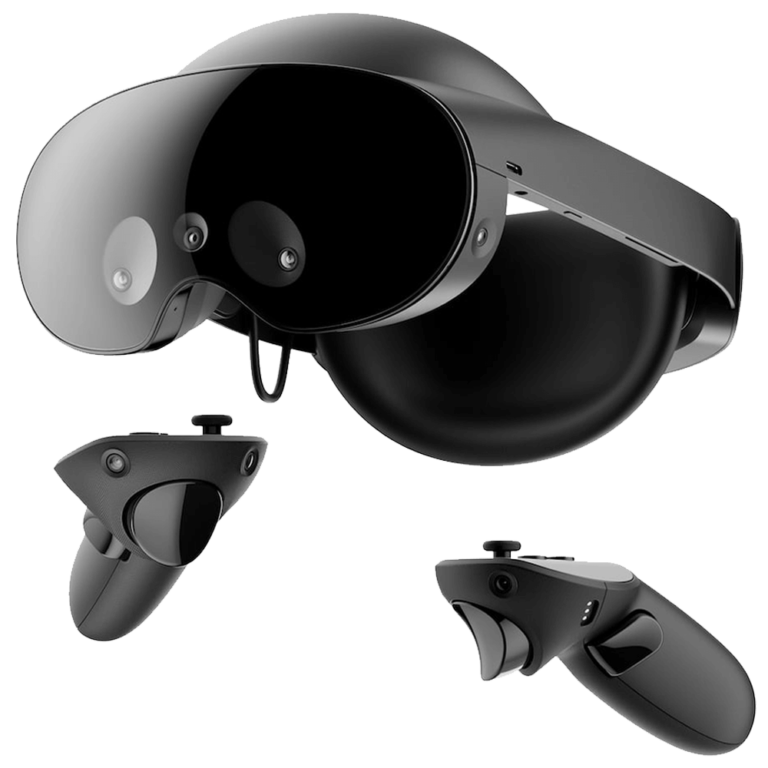
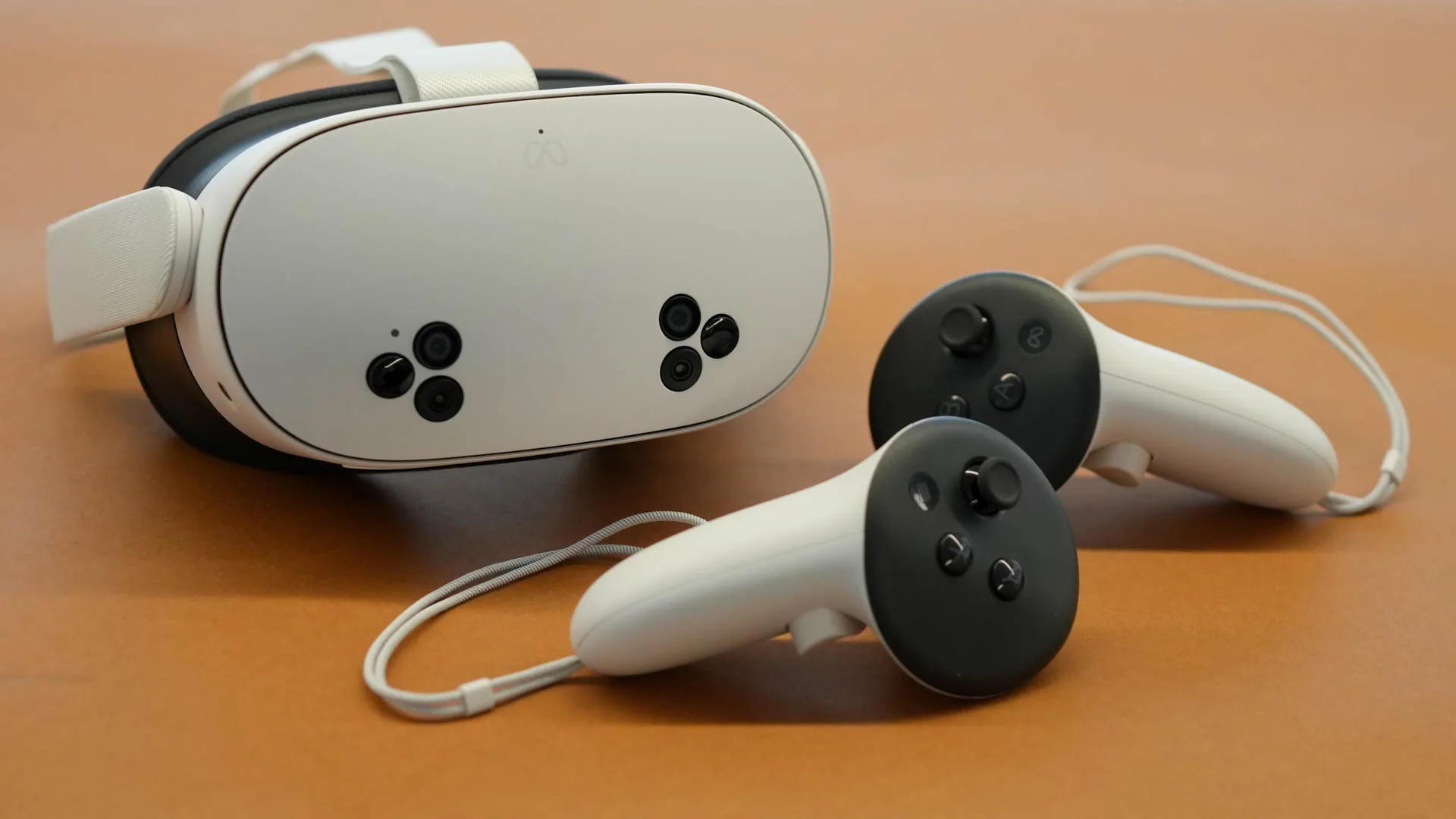
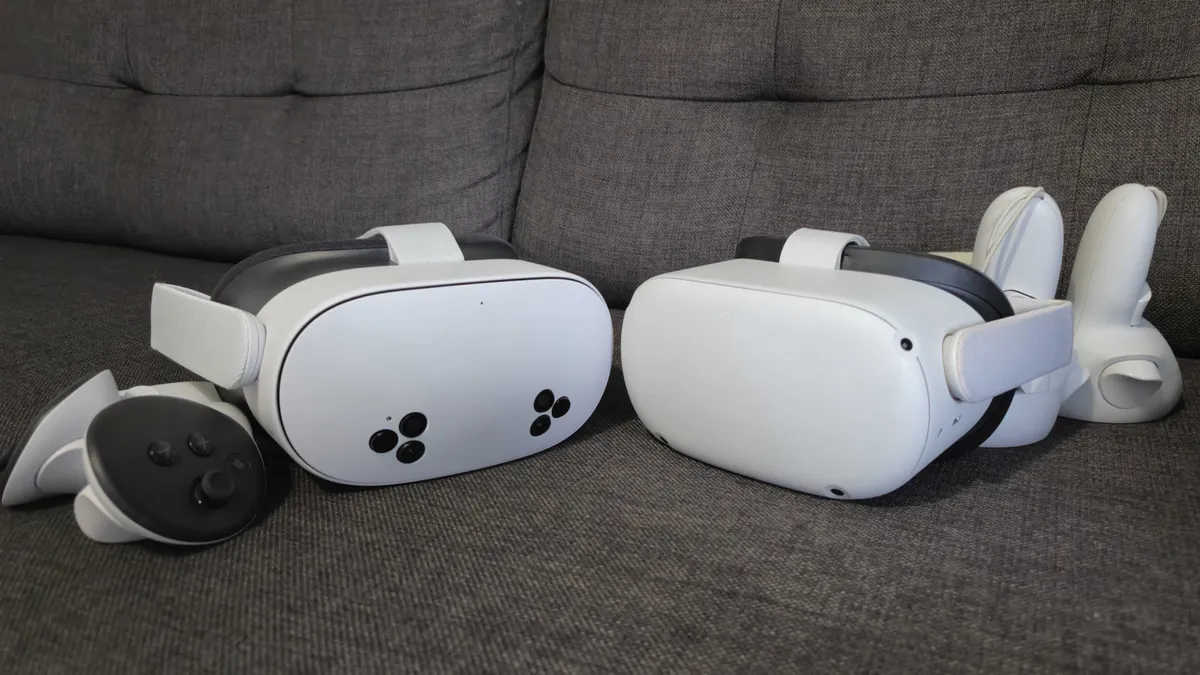
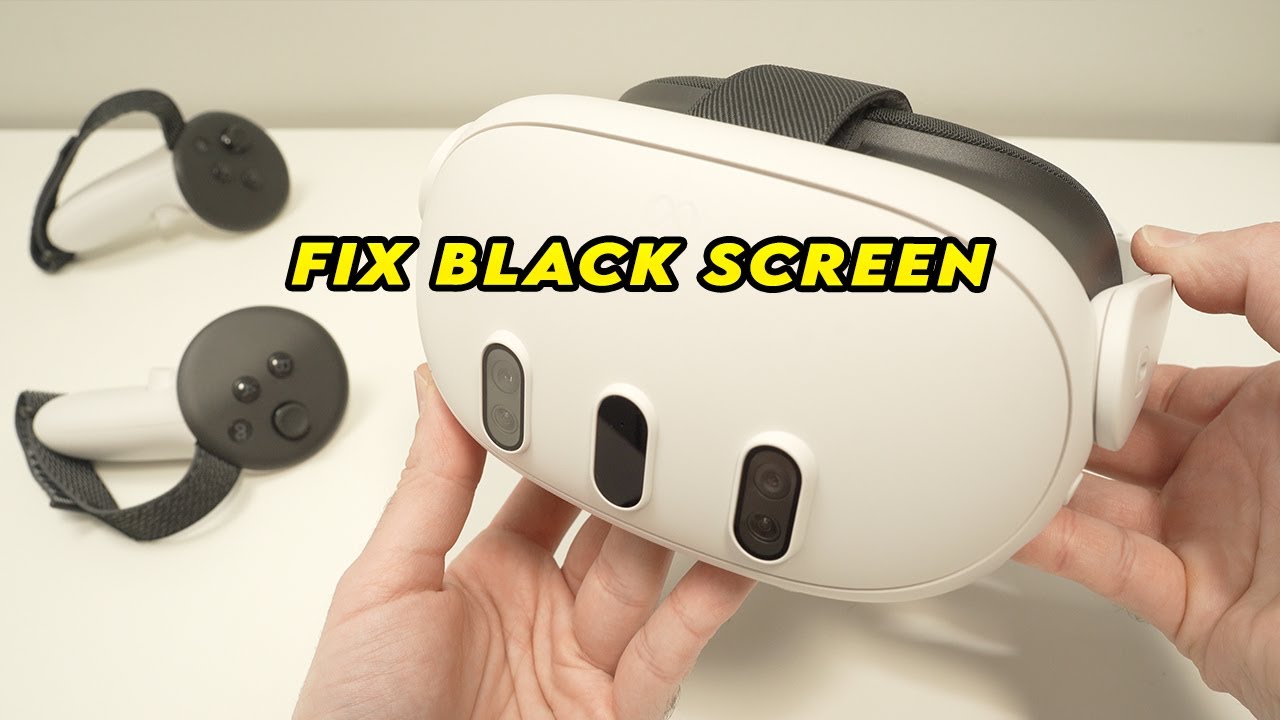
- Meta Quest 3 & 3S: The reigning king of accessibility. With high-resolution color passthrough and Pancake lenses, it’s the most versatile choice for streaming.
- Apple Vision Pro: The luxury choice for “Spatial Video.” Its Micro-OLED displays offer unmatched 4K-per-eye clarity for those who demand the absolute best.
- Valve “Steam Frame”: The powerhouse for PC-tethered VR, perfect for enthusiasts who want to play high-bitrate 12K local files without compression.
2. Understanding 2026 Video Formats
To get the best experience on VRPornXX, you need to choose the right format for your gear:
- VR180 (Stereoscopic 3D): The gold standard for “POV” content. It provides deep 3D immersion in front of you while maintaining high pixel density.
- Volumetric Video (6DOF): The newest breakthrough. This allows you to move your head slightly side-to-side or forward to look around objects in the video, providing a physical sense of presence.
- 8K / 12K Ultra HD: With 2026 hardware, 4K is now considered “low res.” Always opt for 8K files for crystal-clear textures.
3. Top Apps & Players
Don’t rely on basic browsers; use these dedicated apps for the smoothest playback:
DeoVR
The industry leader. It supports almost every format, features a built-in optimized browser, and offers advanced controls for zoom, tilt, and IPD adjustment.
Skybox VR Player
The best choice for local files. If you have downloaded high-quality videos to your PC or a media server (DLNA), Skybox provides a polished cinema environment for viewing.
4. Step-by-Step: How to Watch
The Streaming Method (Easy)
- Ensure you are connected to Wi-Fi 6E or 7 for high-bitrate streaming.
- Open the DeoVR app on your headset.
- Navigate to your favorite site and select a VR180 video.
- Click “Play”—the app will automatically detect the 3D settings.
The Download Method (High Quality)
- Download the 8K VR file to your computer.
- Connect your headset via USB-C or use a wireless transfer tool like SideQuest.
- Open Skybox VR, locate the file, and enjoy lag-free, full-resolution immersion.
5. Expert Tips for Maximum Immersion
- Spatial Audio: Always use high-quality over-ear headphones. Modern VR video uses directional sound that changes as you move your head.
- Lens Care: 2026 lenses are sensitive. Use a clean microfiber cloth to avoid smudges that break the immersion.
- Fitment: Ensure your headset is snug but comfortable to maintain the “Sweet Spot” of the lenses.
Ready to Experience the Future?
Visit VRPornXX.com today for the latest 8K VR180 releases optimized for 2026 hardware.

 1
1